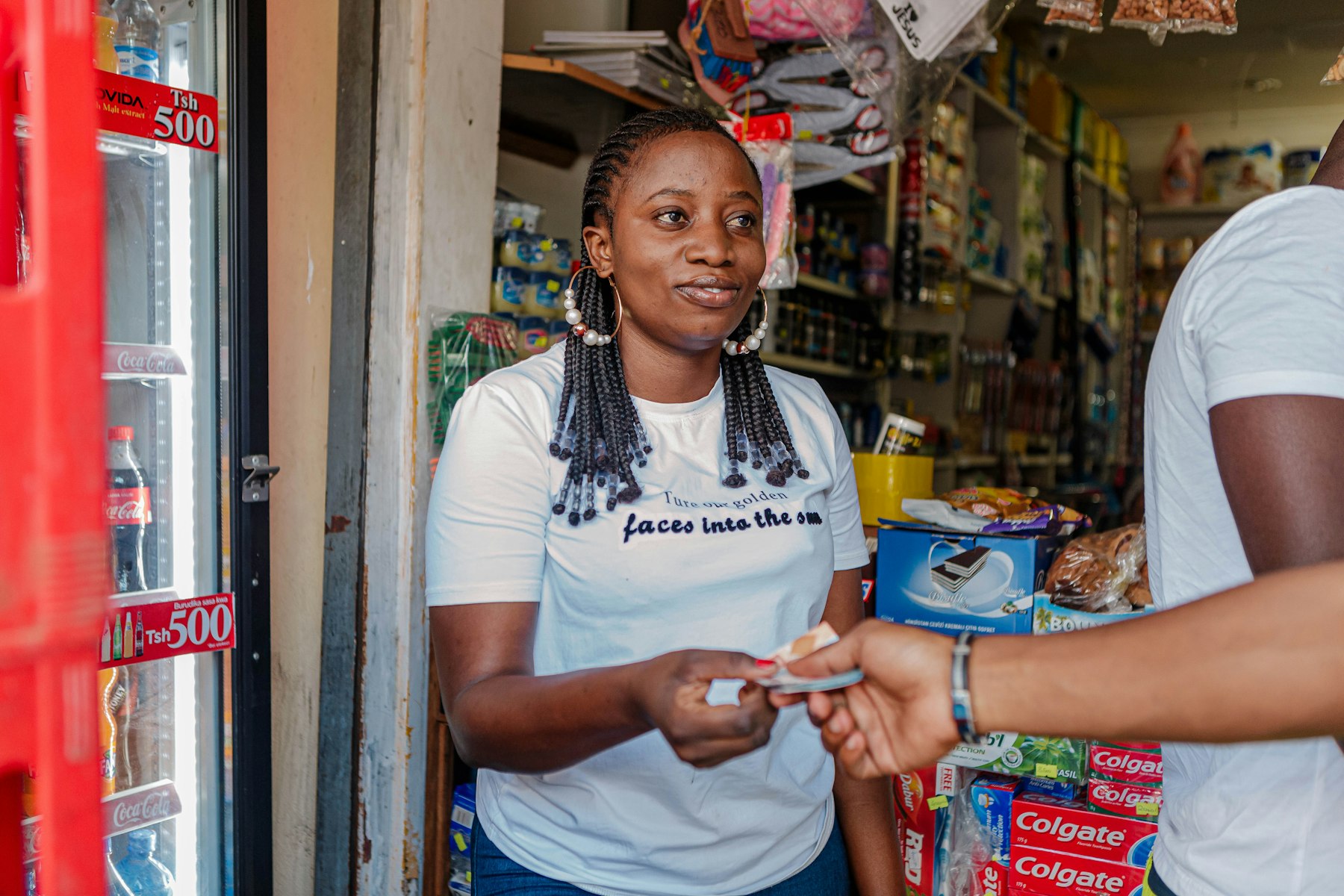
Send anything. Track everything. Deliver with confidence.
Book a delivery in a few taps, get a verified rider, and follow your package live until it's handed over with a delivery code.
Available on Android via Google Play.
Your first delivery in five steps
- 1
Download the Customer App
Get it free on Google Play and create your account.
- 2
Verify your identity (optional)
You can book, fund your wallet and add a bank account straight away. Verify when you want to withdraw.
- 3
Tap “Send a Package”
Add pickup, drop-off and package details, then review the price estimate.
- 4
Get a rider
Choose from rider bids or have a rider assigned.
- 5
Track and confirm
Watch the rider live and share the delivery code at drop-off.
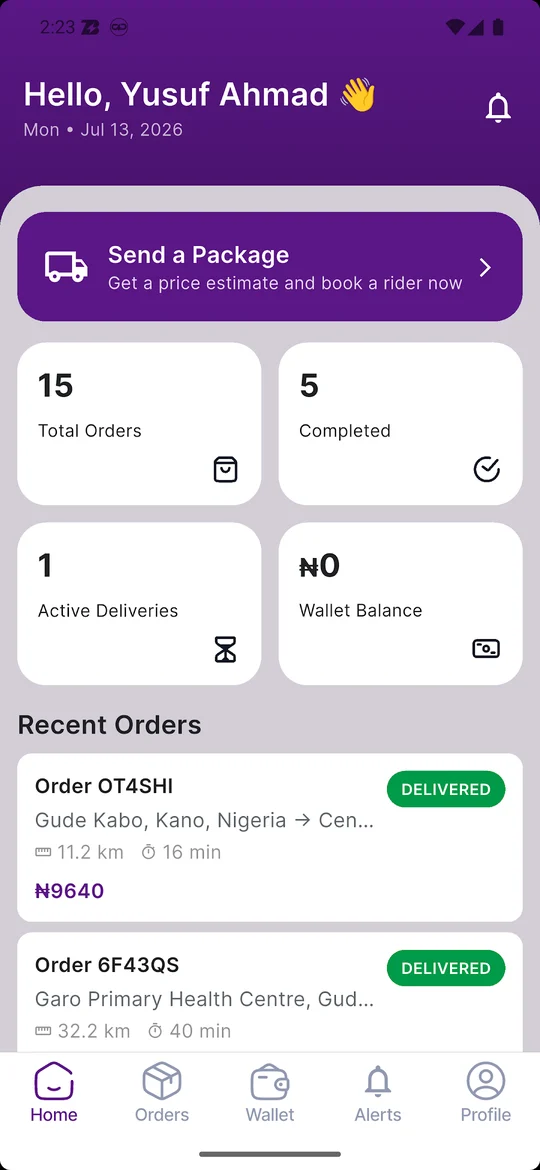
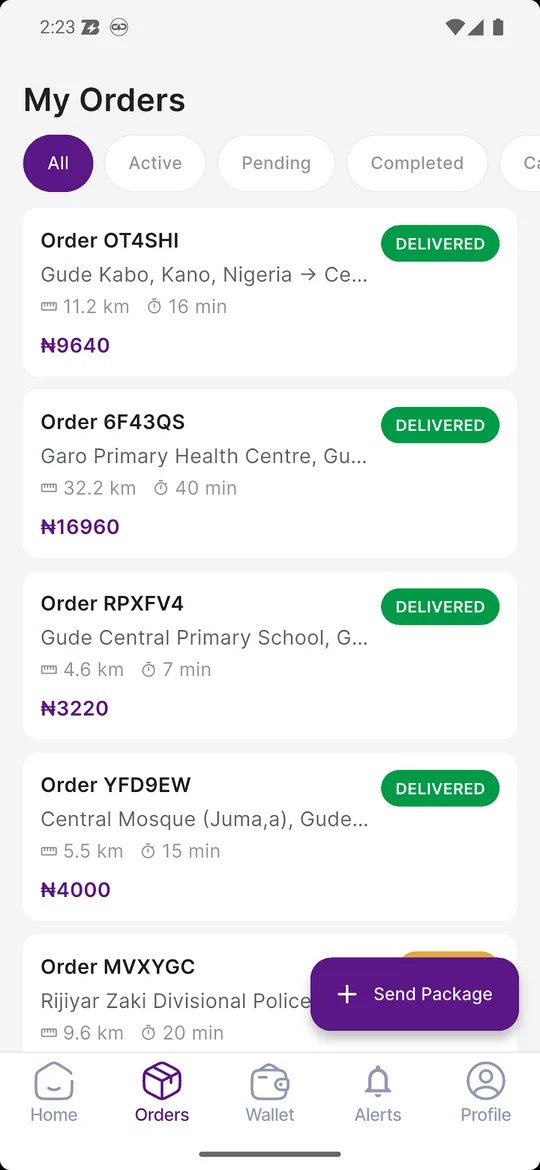
What happens with your delivery
Pickup & drop-off
Enter where the package is and where it's going. You get a price estimate before you confirm.
Package details
Choose a size (small, medium or large) and add notes or special instructions for the rider.
Rider selection
Verified riders bid on your request, or a rider is assigned to it.
Live tracking
Follow your rider on the map and get status updates from pickup to delivery.
Payment
Pay from your DelivraX wallet, online, or in cash, depending on the order.
Delivery confirmation
The recipient shares a delivery code with the rider to complete the drop-off.

Built for trust
Verified riders
Riders must pass KYC before they can bid on or accept any order.
Code-confirmed drop-off
A delivery is only marked complete when the right code is provided.
Ratings
Rate your rider after each delivery to keep standards high.
Support & disputes
Contact support from the app or on WhatsApp, and raise a dispute if something goes wrong.
Delivery categories
DelivraX riders deliver everyday parcels within the city: documents, online orders, food, groceries, fashion items, electronics and more. Package size (small, medium or large) is set when you book.
- Documents and envelopes
- E-commerce and retail orders
- Food and groceries
- Clothing, shoes and accessories
- Phones, gadgets and small electronics
Not allowed on DelivraX
- Illegal drugs or controlled substances
- Firearms, ammunition or explosives
- Counterfeit goods
- Hazardous chemicals or biological materials
- Live animals or protected wildlife products
- Cash above ₦500,000 in a single delivery
Full list in our Terms & Conditions.
Get the DelivraX Customer App
Available for iOS on the Apple App Store and Android on Google Play, or use DelivraX directly on the web.
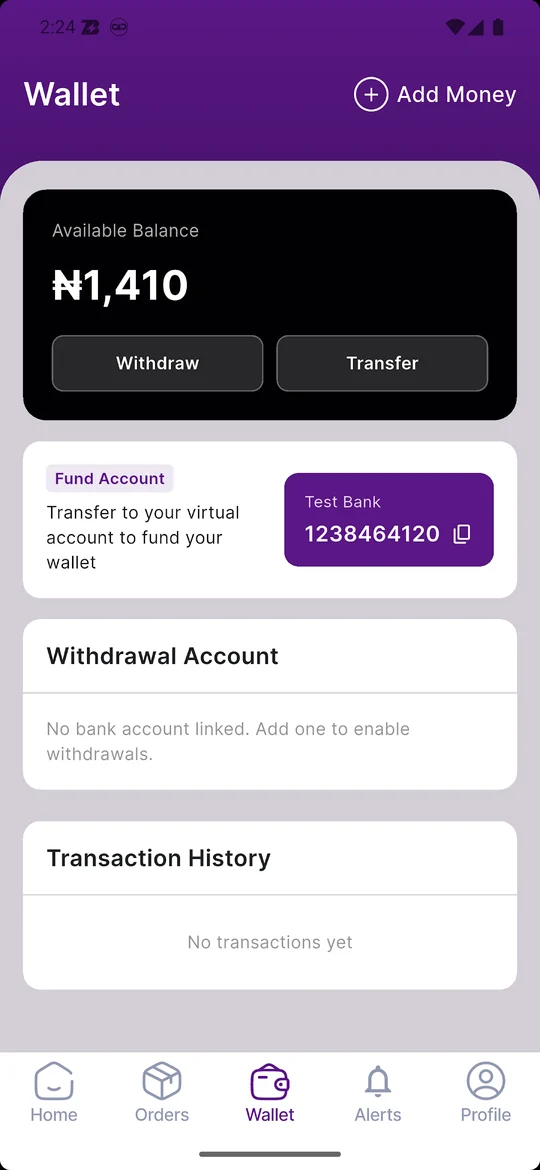
Customer App
Book, pay for and track deliveries.
- Send a package in a few taps
- Track your rider live
- Pay by wallet, online or cash
Customer questions
Need help with a delivery?
Our support team is on WhatsApp.